✂️
3-Second High-Precision AI Cutouts
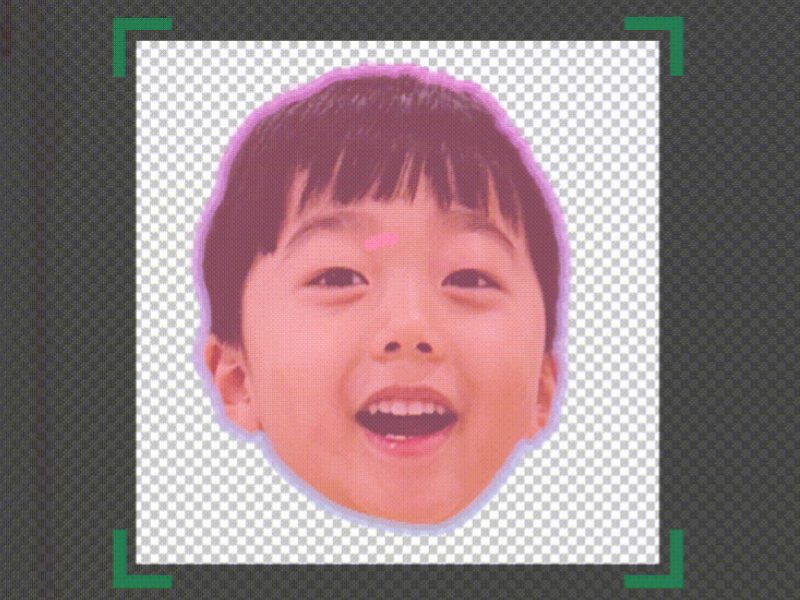
Automatically crop faces and full bodies with a single tap. Once placed, fine-tune position, scaling, and rotation variables, and modify custom cutout zones anytime for a perfect finish.
From face & full-body cutouts to hundreds of composite designs —
Collajam, the design app for preschool & daycare teachers.


Yesterday's scissors, today's 3-second finish. Real voices from our survey and app stores.
Honestly, I'd never edited on a computer. YouTube tutorials only got me so far, and Canva rejected my free education access because I'm a daycare teacher. At my home daycare I used to print faces, cut them with scissors, print bodies, cut and paste… An app as easy as Collajam was exactly what I desperately needed.
Cutting out faces was always a struggle, but thanks to Collajam it's so easy now. Thank you!
It cleanly cuts out people for free and saves so much time — I'm actively recommending it even to teachers in their 50s who find cutouts hard.
I used to cut out each face and place them one by one — having it done automatically is a total game-changer ^^
These pretty, practical templates have made my daycare work more fun and so much easier. They make me smile every time.
I wanted to make a pretty card as a graduation gift but I'm not crafty… thanks to Collajam I could make and gift adorable graduation photos. I'm so grateful.
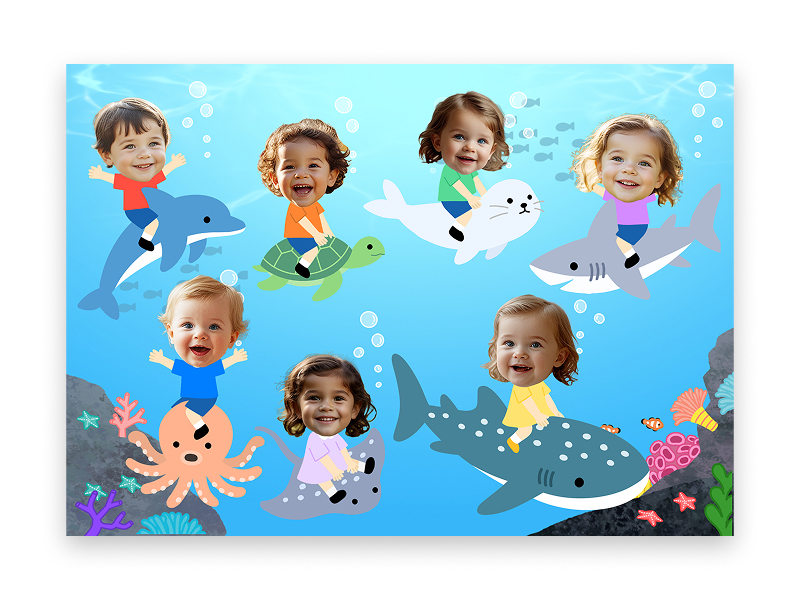
Add a child's photo and AI auto-cuts the face, dresses it up cute with outfits and hats, then saves it as a transparent, background-free PNG. No cutting by hand.
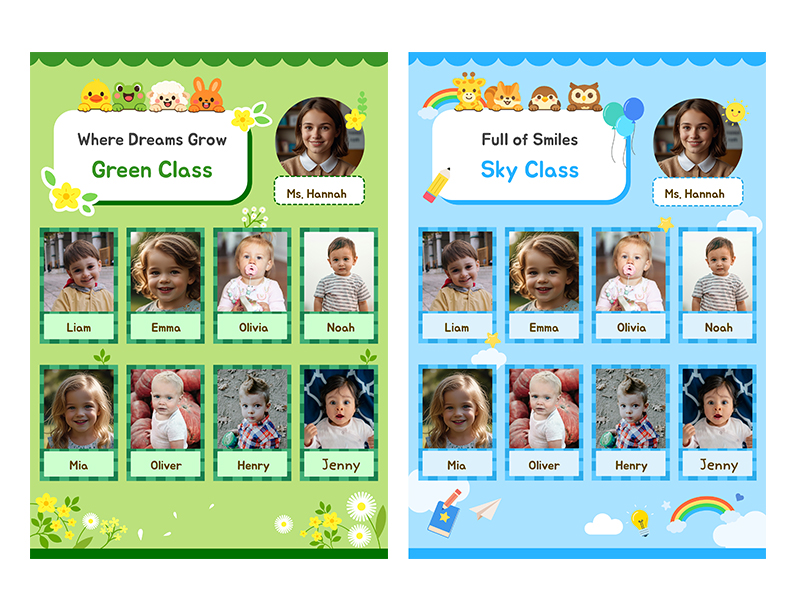
Register your class roster portraits just once at the start of the semester. From then on, choosing any seasonal printable will auto-populate your kids into their optimal designated spots seamlessly.
Set the layout and colors to match your class, and put your class board together with ease.
From small classroom decorations to wall-filling large-format prints — all in one app.
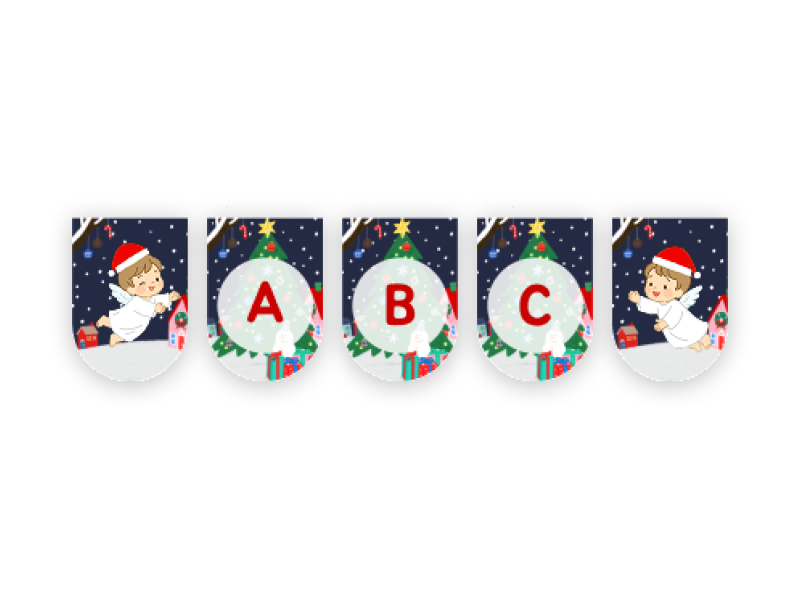
Pick a seasonal theme — Halloween, winter, birthday — type your text, and it's done. Print, cut, and stick to brighten the room.
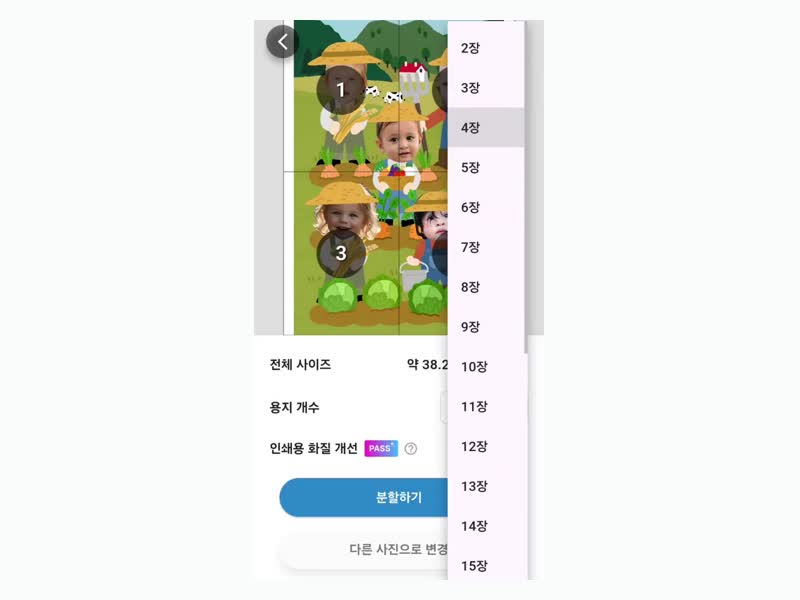
See garlands →Split one photo into as many sheets as you like; blurry photos are auto-sharpened. Tile the prints for a wall-sized display.
See split-print →Teachers at daycares and preschools nationwide already use Collajam


* Internal estimate based on monthly active users (MAU) and the ~37,000 daycares & preschools in Korea (2023).
From digital layout designs and background removal to multi-page tile splitting — simplify your workload with Collajam.
Automatically crop faces and full bodies with a single tap. Once placed, fine-tune position, scaling, and rotation variables, and modify custom cutout zones anytime for a perfect finish.
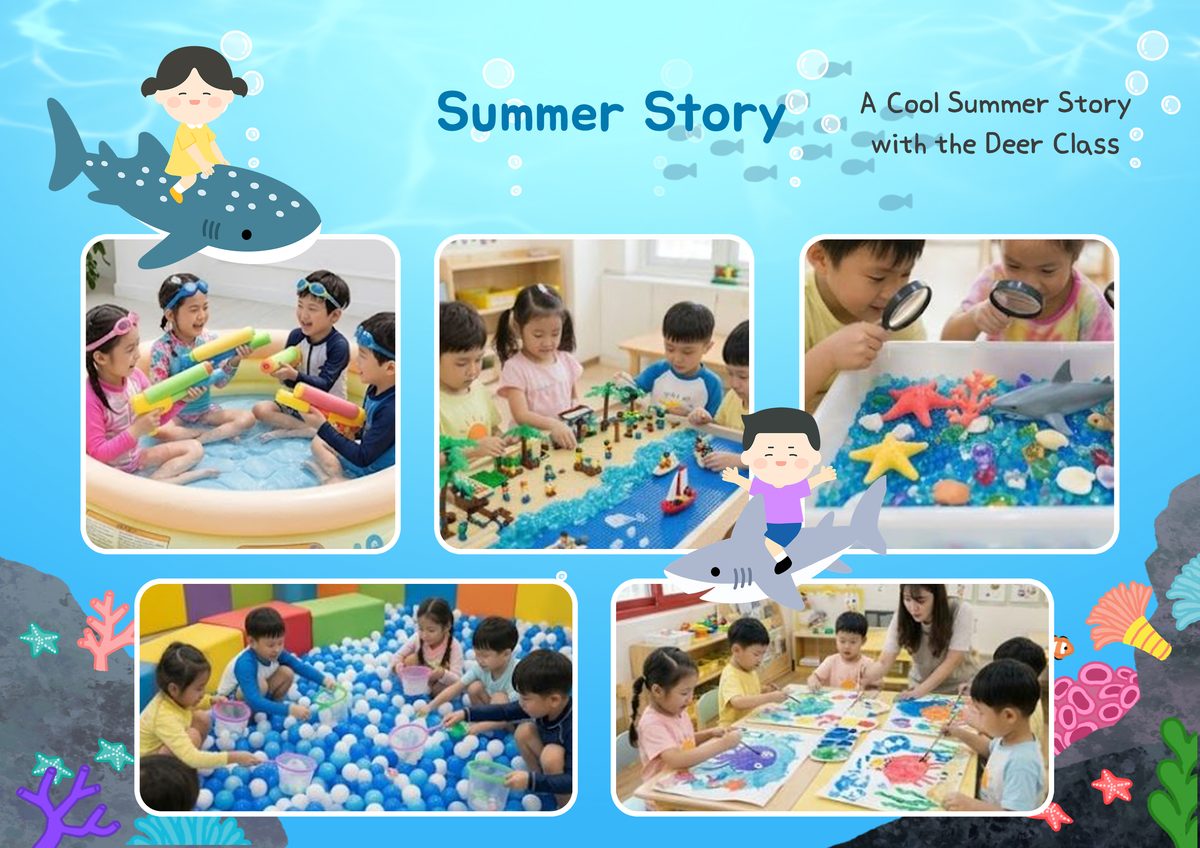
Access an ever-growing library of specialized illustration materials—seasonal decor, event flyers, name tags, and classroom notices built for daily activities.
Say goodbye to cookie-cutter styles! Infuse your room with trendy, hand-crafted vector graphics that instantly elevate classroom energy and learning fun.
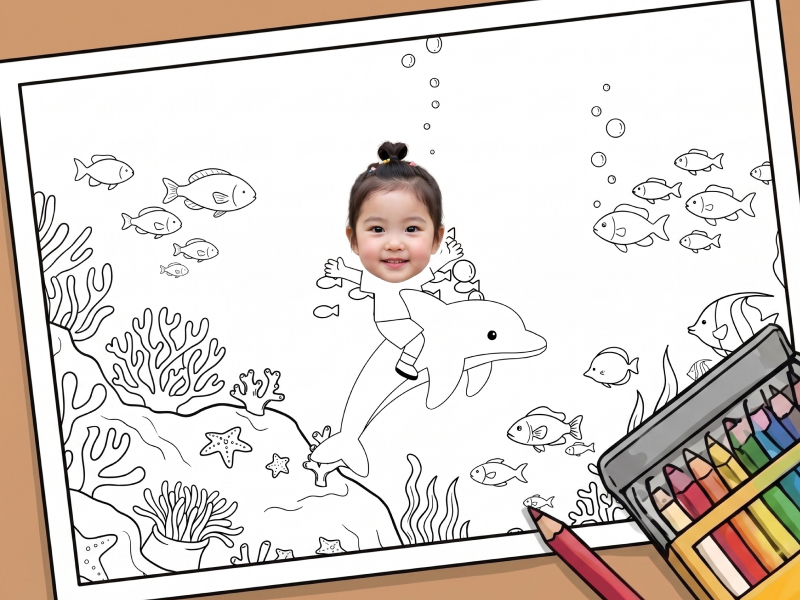
Keep your learning space vibrant with scalable printables. Download oversized split-page posters, festive birthday cake toppers, custom garlands, and free coloring sheets.
Stop merging student snapshots one by one. Leverage your stored class dataset to instantly populate entire bulletin boards or multi-character crafts with a single click.
Oversized classroom boards are no longer an obstacle. Along with sharp high-definition rendering, tile your canvas across multiple print sheets seamlessly for easy alignment setup.
The most popular themes searched by early educators on Collajam.
Collajam eliminates the nighttime overhead of crafting classroom decor. Download the application now and finish beautiful photo displays in under 3 minutes.
Yes, absolutely! By adding your class roster to the 'Class Management' panel once, our smart system will automatically arrange every student's portrait into the allocated template slots every time you pick a design. No repetitive manual layout work required.
Yes. Powered by our advanced AI tracking model, complex backdrops are isolated and made transparent in less than 3 seconds with one tap. Teachers retain absolute creative control to adjust scale, rotation, and alignment coordinates afterward if desired.
Definitively. Collajam is a purpose-built utility meant to lower administrative friction for busy early-childhood educators. Our simple 3-step pipeline enables any teacher to produce beautiful flyers or visual boards on a smartphone without needing technical training.
Not at all. Every graphic asset exported from Collajam is rendered in high-definition resolution optimized for professional print materials. Whether printing on standard Letter/A4 sheets or multi-page tiled bulletin board banners, your visuals will remain crisp and vibrant.
Yes. Collajam's core features are free to use with ads, including face and full-body cutout and auto-placement. Some premium features are available with a Magic Pass subscription.
Yes, rest assured. Collajam never uploads children's photos to any external server — they are stored only on your own device (locally). Since photos are never sent off your device, you can use the app without worrying about personal data leaks.